Resolution & Orientation
Portrait / Landscape
How the importer uses PSD size, manual resolution, presets, wrappers, and warnings for portrait and landscape UI.
Portrait and landscape support
The importer supports portrait and landscape layouts through the imported document size and the manual resolution controls. It does not rotate or redesign the UI automatically. The PSD or selected importer size defines the canvas that the generated widget is built around.
Portrait
Width is smaller than height. Typical mobile examples are 1080 x 1920, 1170 x 2532, and 1440 x 2560.
Landscape
Width is larger than height. Typical desktop/console examples are 1920 x 1080, 2560 x 1440, and 3840 x 2160.
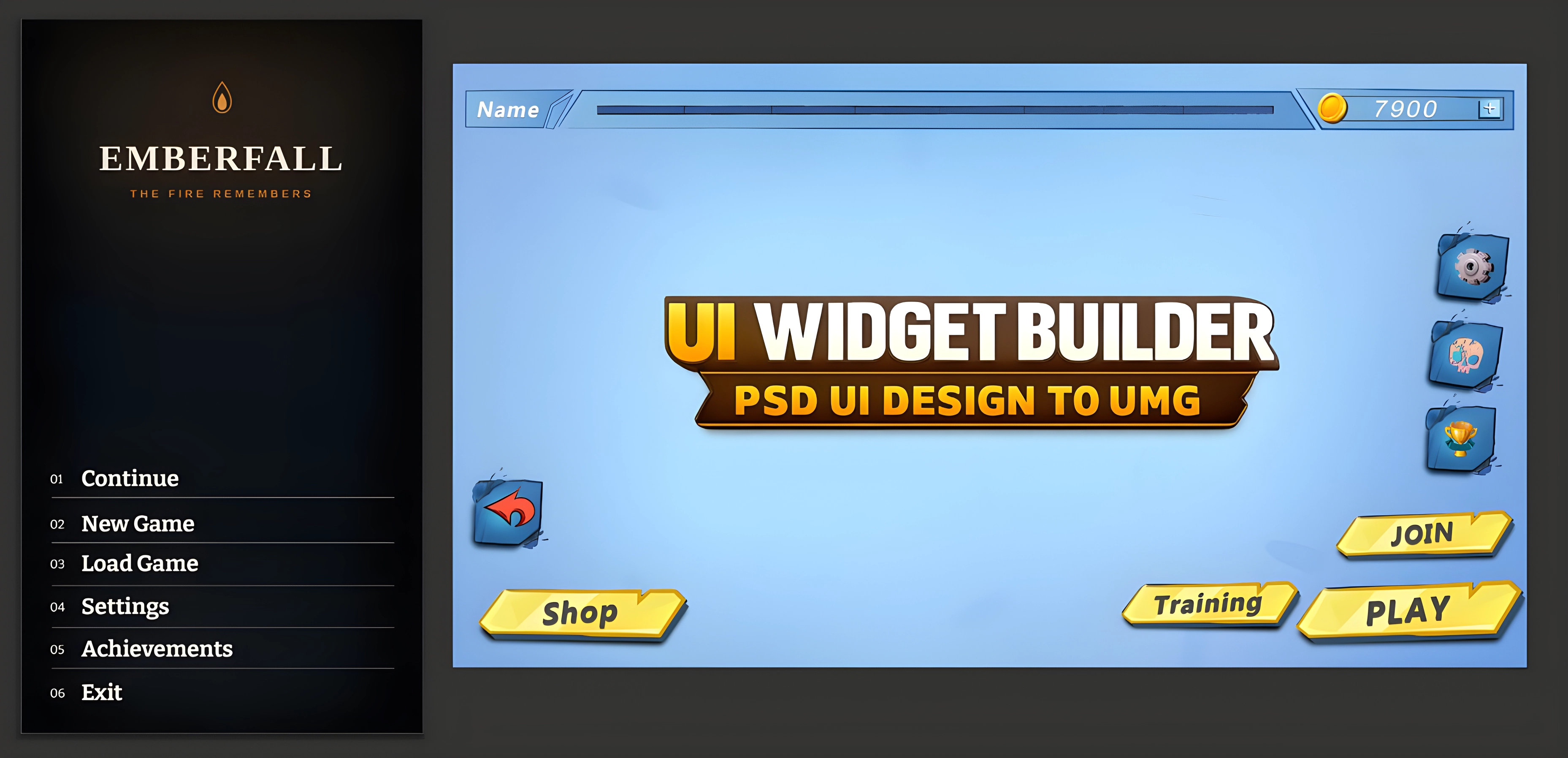
PSD size vs manual resolution
| Mode | What happens | Best use |
|---|---|---|
| Use PSD Size enabled | The importer uses document.width and document.height from layout.json. |
Most accurate. Use when the PSD was designed at the intended final UI size. |
| Use PSD Size disabled | The importer uses the selected preset or manual ResolutionX / ResolutionY values. |
Useful when you want to test a different portrait/landscape frame or normalize designs to a target resolution. |
| Missing document size | The importer falls back to ResolutionX and ResolutionY. |
Fallback for incomplete JSON or external layout generators. |
Built-in resolution presets found in the source
| Platform | Presets | Default behavior |
|---|---|---|
| Desktop | 1280 x 720, 1600 x 900, 1920 x 1080, 2560 x 1440, 3840 x 2160 |
Pixel-perfect layout, Mouse + Keyboard input. |
| Mobile | 720 x 1280, 1080 x 1920, 1170 x 2532, 1242 x 2688, 1440 x 2560 |
SafeZone enabled, Touch input. |
| Console | 1920 x 1080, 2560 x 1440, 3840 x 2160 |
SafeZone enabled, Gamepad input. |
The importer warns when Mobile is landscape or Desktop/Console is portrait. You can still import if the design was intentionally made that way.
How SizeBox, ScaleBox, and SafeZone affect orientation
| Wrapper | Effect | Caution |
|---|---|---|
| SizeBox | Locks the generated layout to the document/import size using width and height overrides. | It does not rearrange children. It only defines the design frame. |
| ScaleBox | Scales the full layout to fit the available area. | Good for cross-resolution scaling, but not a substitute for a separate portrait PSD. |
| SafeZone | Keeps UI away from unsafe screen areas, especially mobile and console. | SafeZone wraps one child. The generated wrapper chain is ordered to avoid invalid hierarchy. |
Orientation limitations
Changing the importer size does not convert a landscape PSD into a real portrait layout. Positions, anchors, and proportions still come from the exported design data.
For production, create separate PSD exports for major orientation differences, or design with ScaleBox/SafeZone behavior in mind.