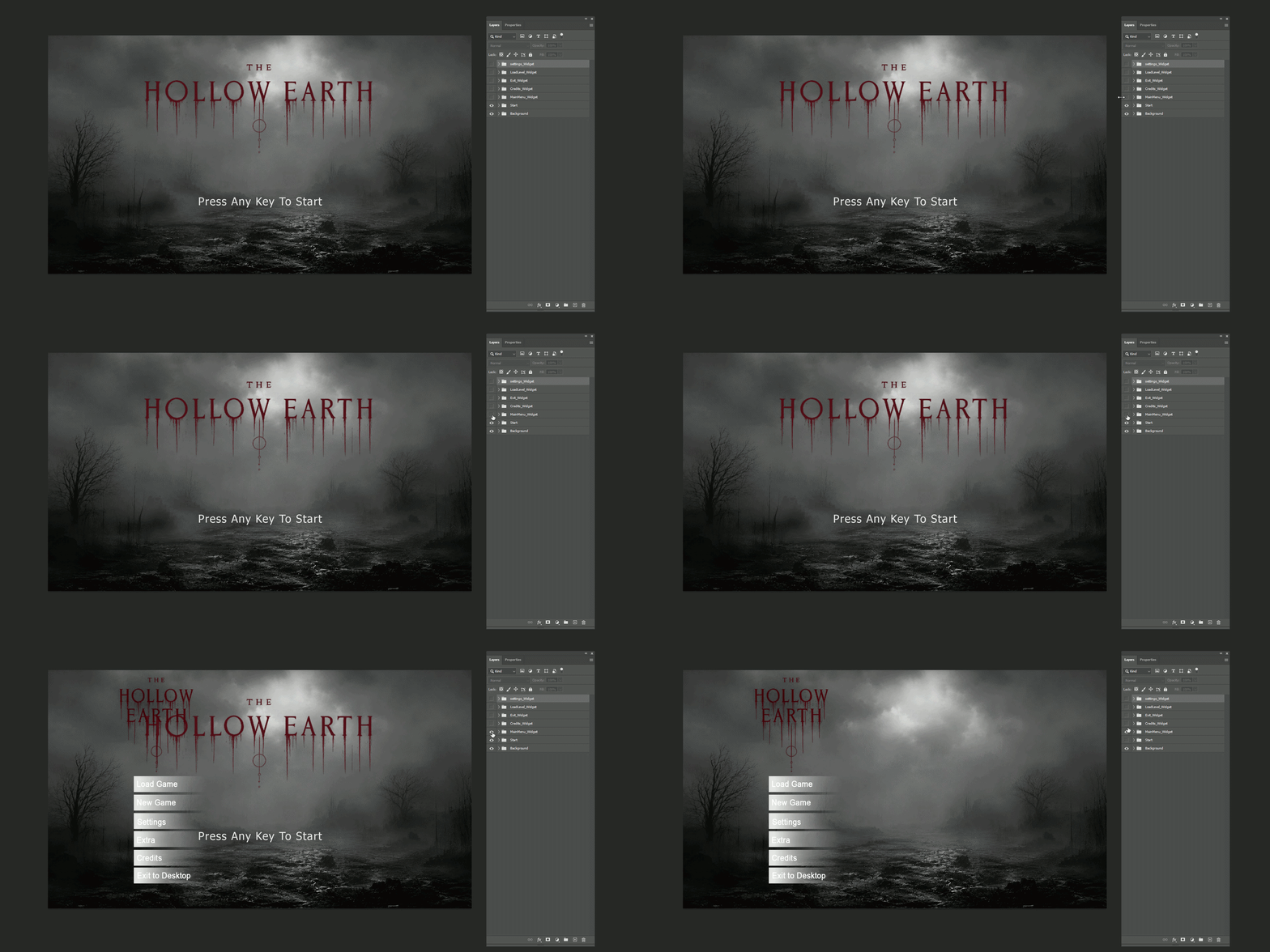
Sample 01 — Advance Main Menu 01
A clean main menu PSD for testing root screens, background images, normal buttons, button text, and imported font/color layout.
Download PSDDownload example PSD files and use them to test the Photoshop exporter and Unreal importer workflow. Each sample includes a thumbnail, a short purpose description, and a direct PSD download link.
Download the latest JSX exporter from this help package, then install or run it in Photoshop before exporting the sample PSD files.
Latest JSX exporter included with this help site. It exports layout.json, textures, text/font data, checkbox-group metadata, wrap data, and protects rounded/masked art from 64×64 solid-color optimization.
Open one PSD sample, run the JSX exporter, then import the generated layout.json folder in Unreal with UI Widget Builder.
Download the preset font package used by the sample PSD files. Install or import the fonts in your Unreal project, then use the Font Mapping page if any Photoshop font needs to be matched manually.
Optional font package for testing the sample PSD files and matching the intended text style more closely inside Unreal UMG.
If Unreal cannot find a Photoshop font during import, the widget still imports and falls back to Unreal's default Roboto font. Use these preset fonts or your own font assets to improve visual matching.
After adding fonts to your Unreal project, open the Font Mapping workflow and resolve any missing Photoshop font names to the matching Unreal font assets.
A clean main menu PSD for testing root screens, background images, normal buttons, button text, and imported font/color layout.
Download PSD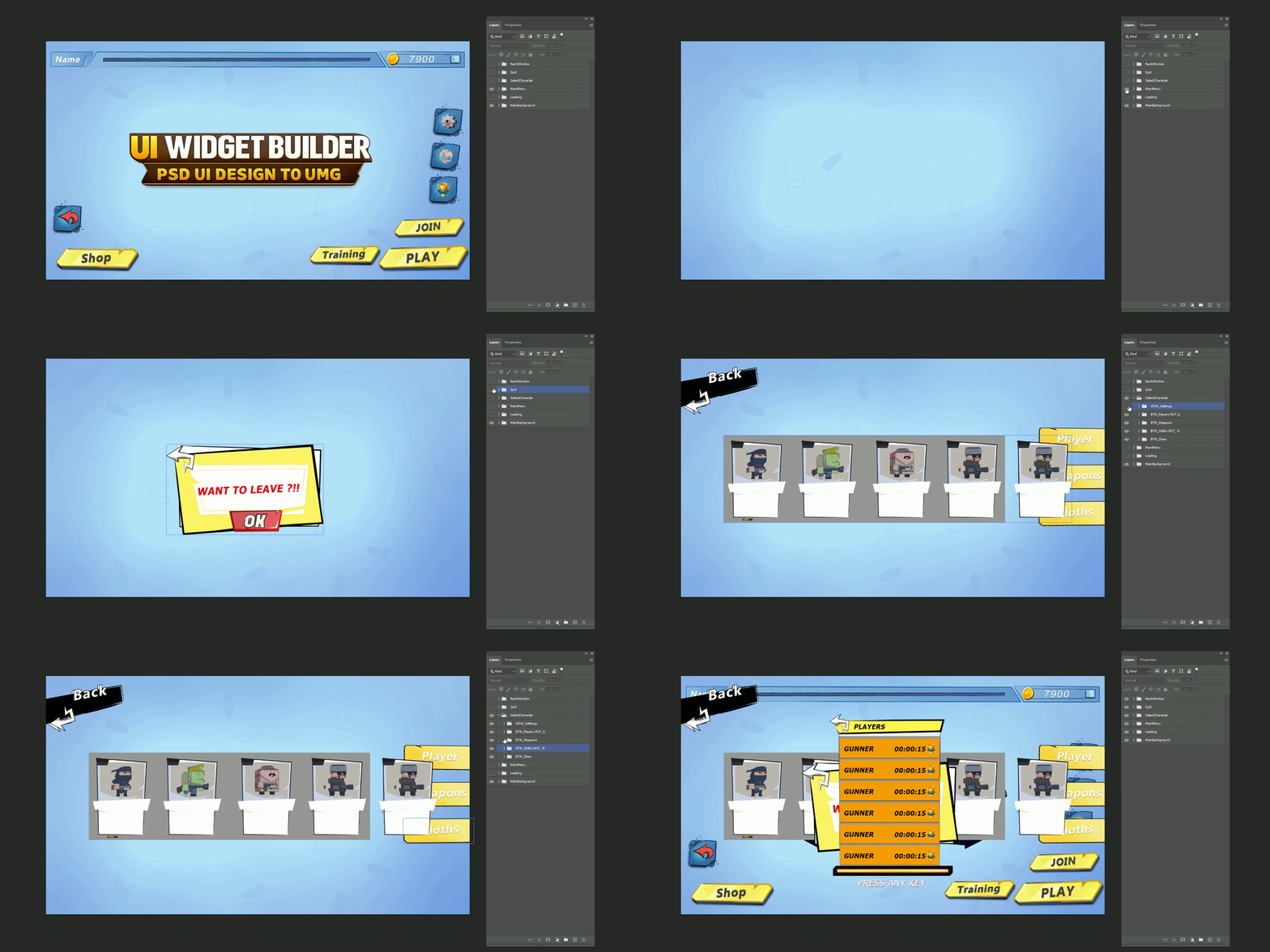
Advance Menu PSD for sliders, checkbox groups, text labels, and UI control alignment in the Unreal importer.
Download PSD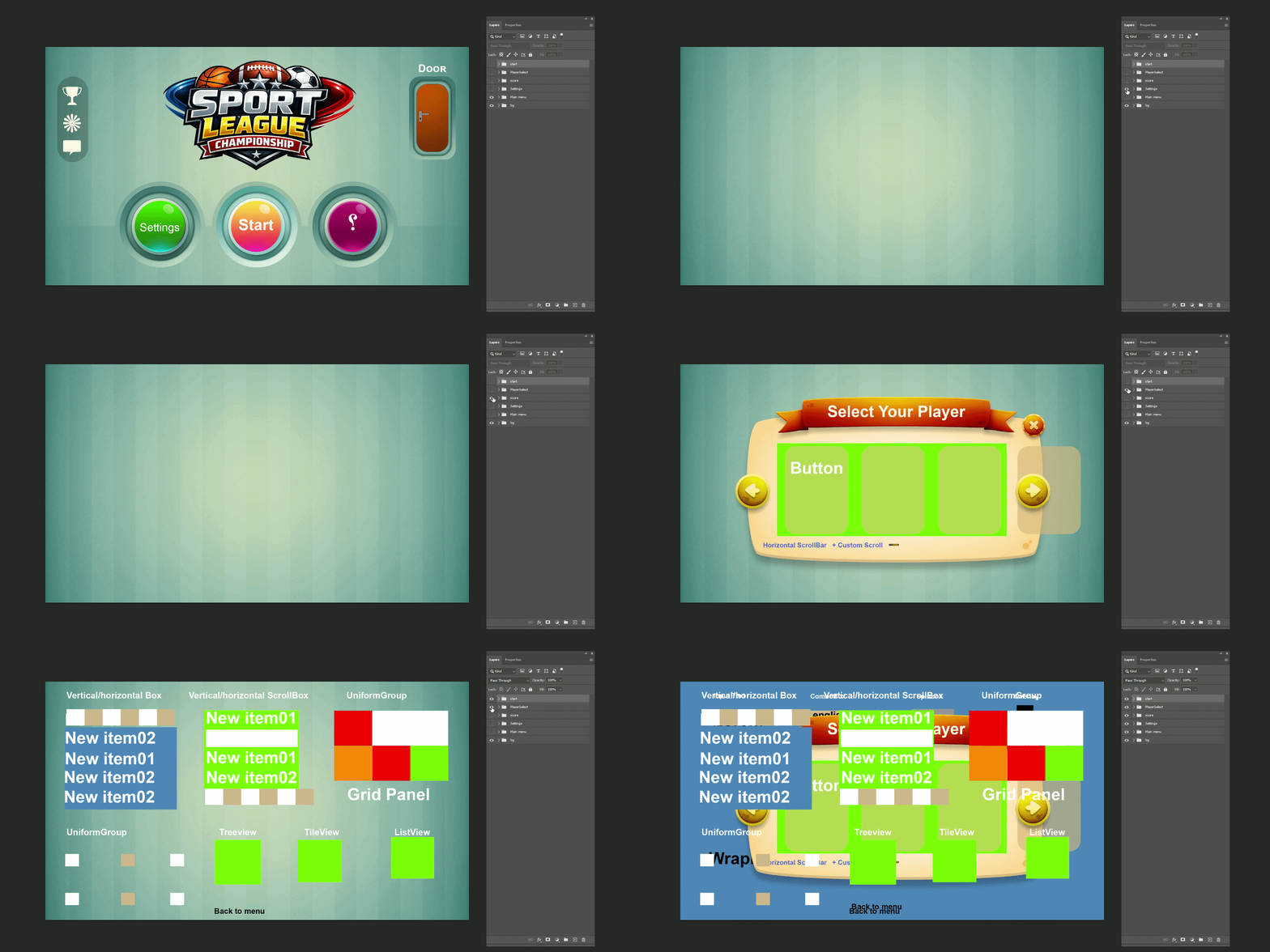
A Menu syatem for testing panels, image optimization safety, nested groups, button states, and etc......
Download PSD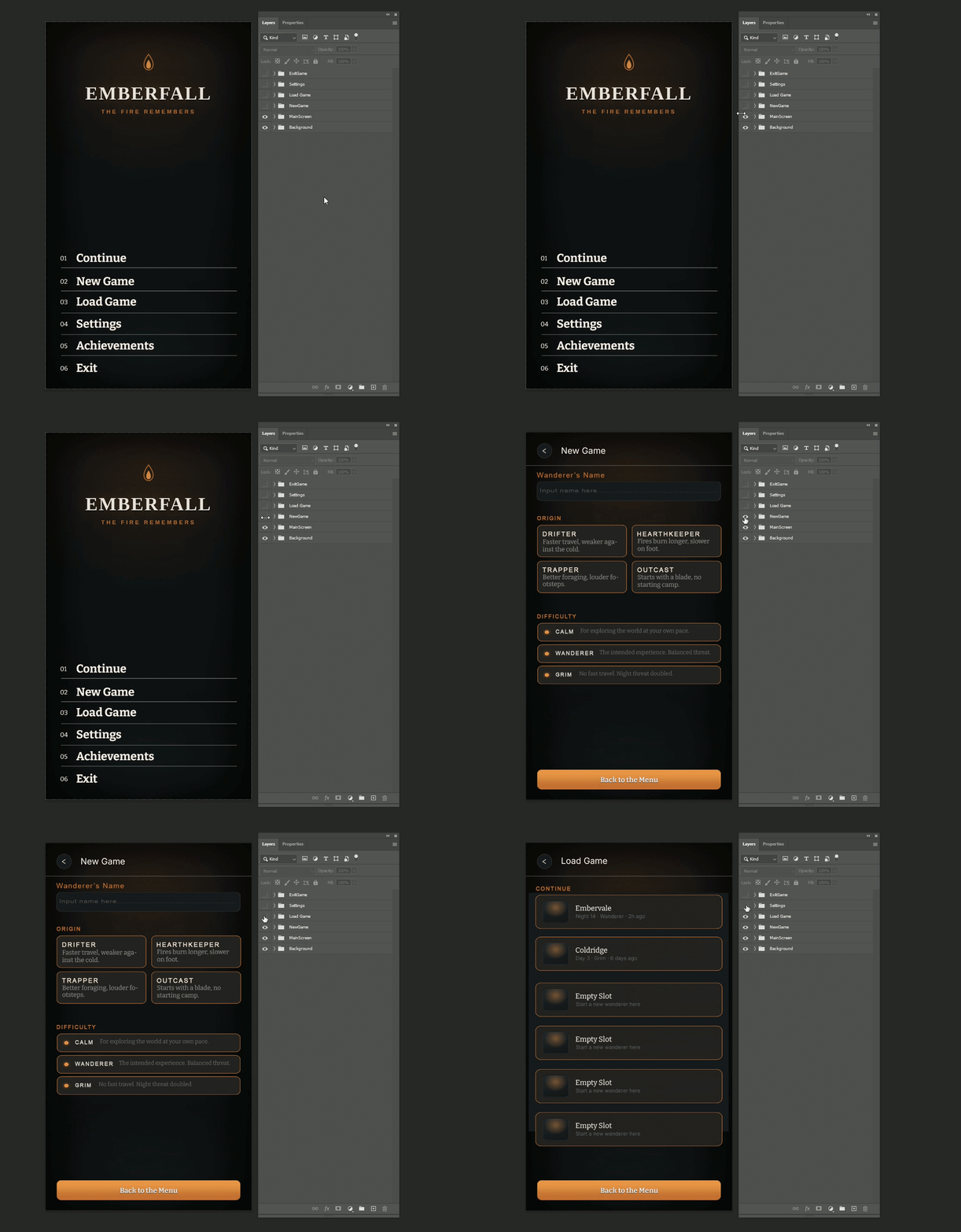
A Menu PSD for testing icons, progress elements, controller/help text, wrapped descriptions, and runtime-ready layout.
Download PSDlayout.json and the Textures/ folder.